Everything you need
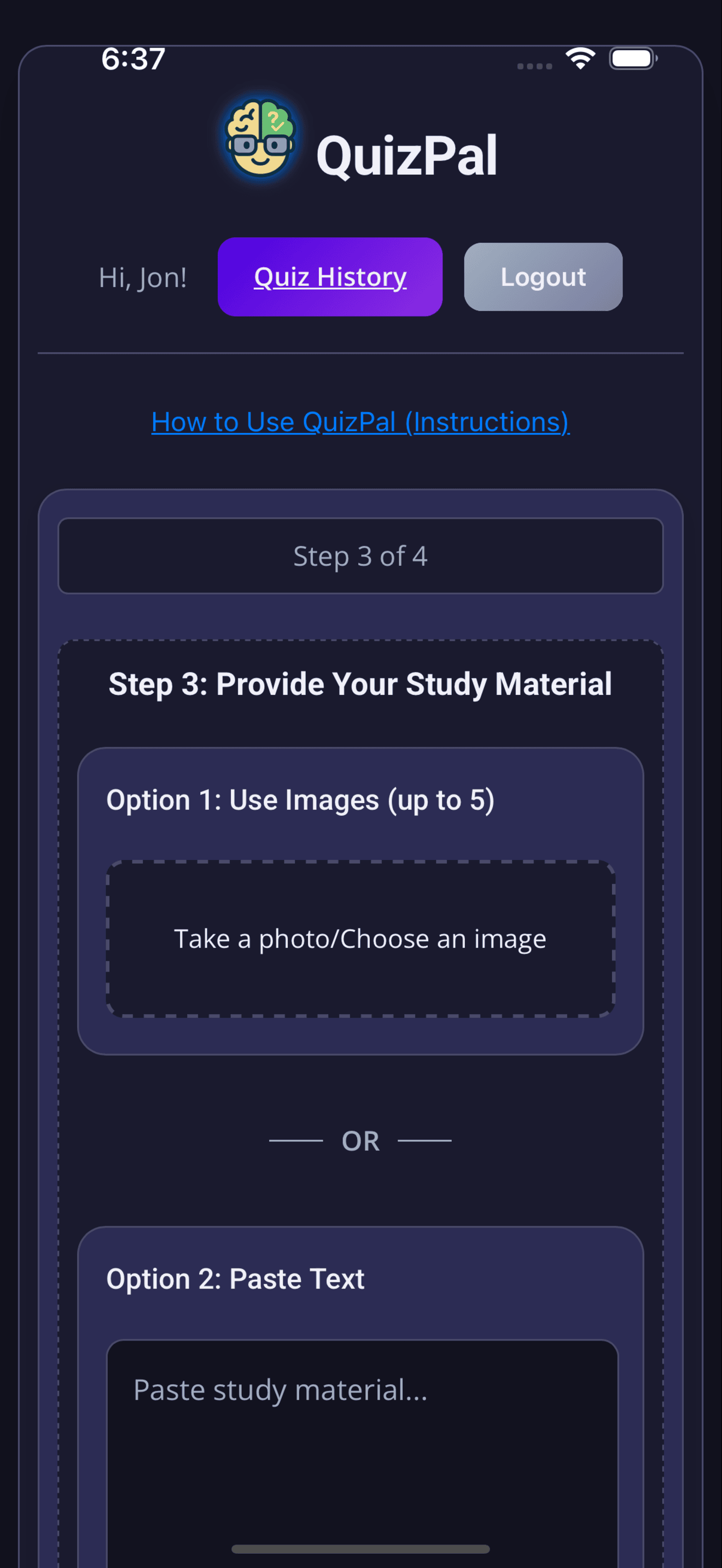
Snap up to 5 photos of your notes, textbooks or slides and QuizPal does the rest in seconds.
QuizPal's intelligent character recognition can read handwritten notes, printed text, and everything in between — no matter how messy.
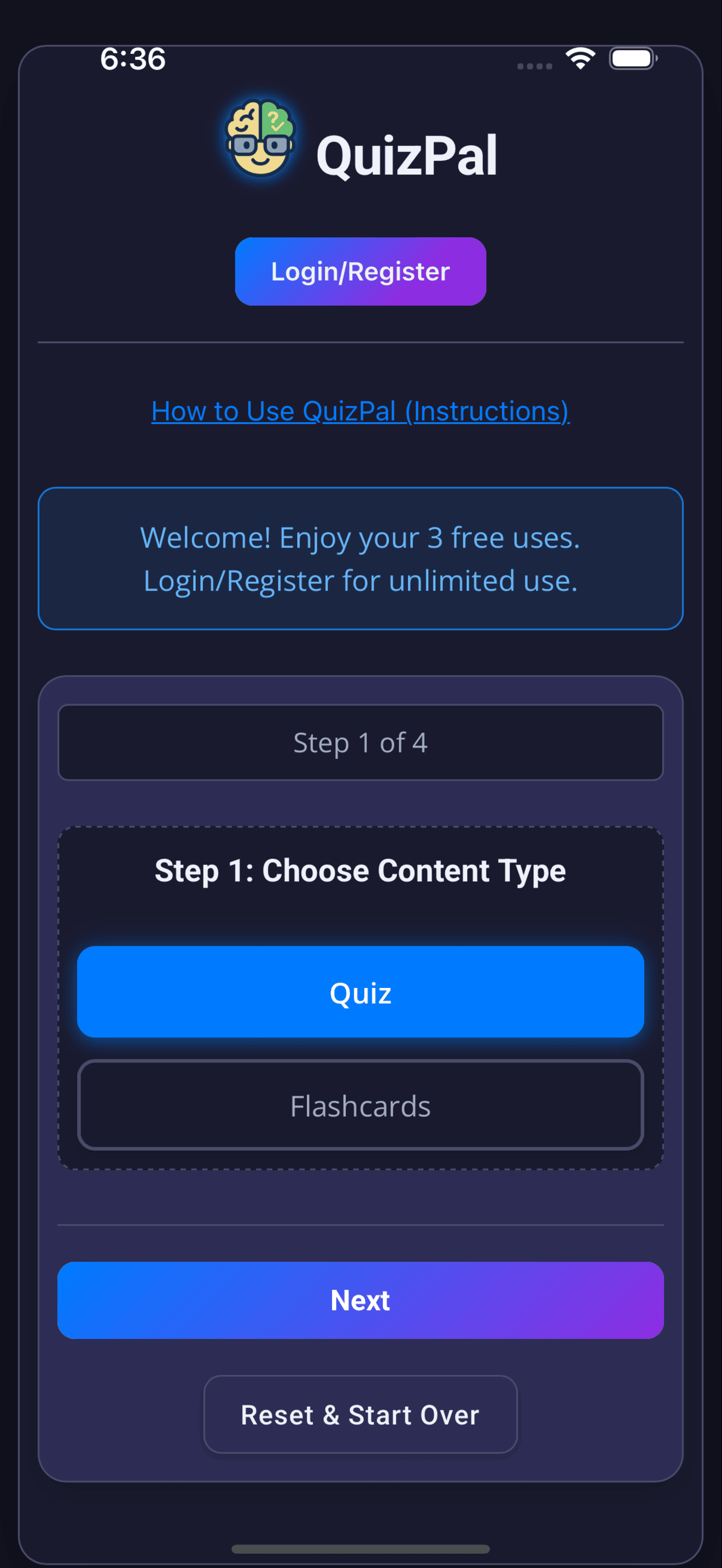
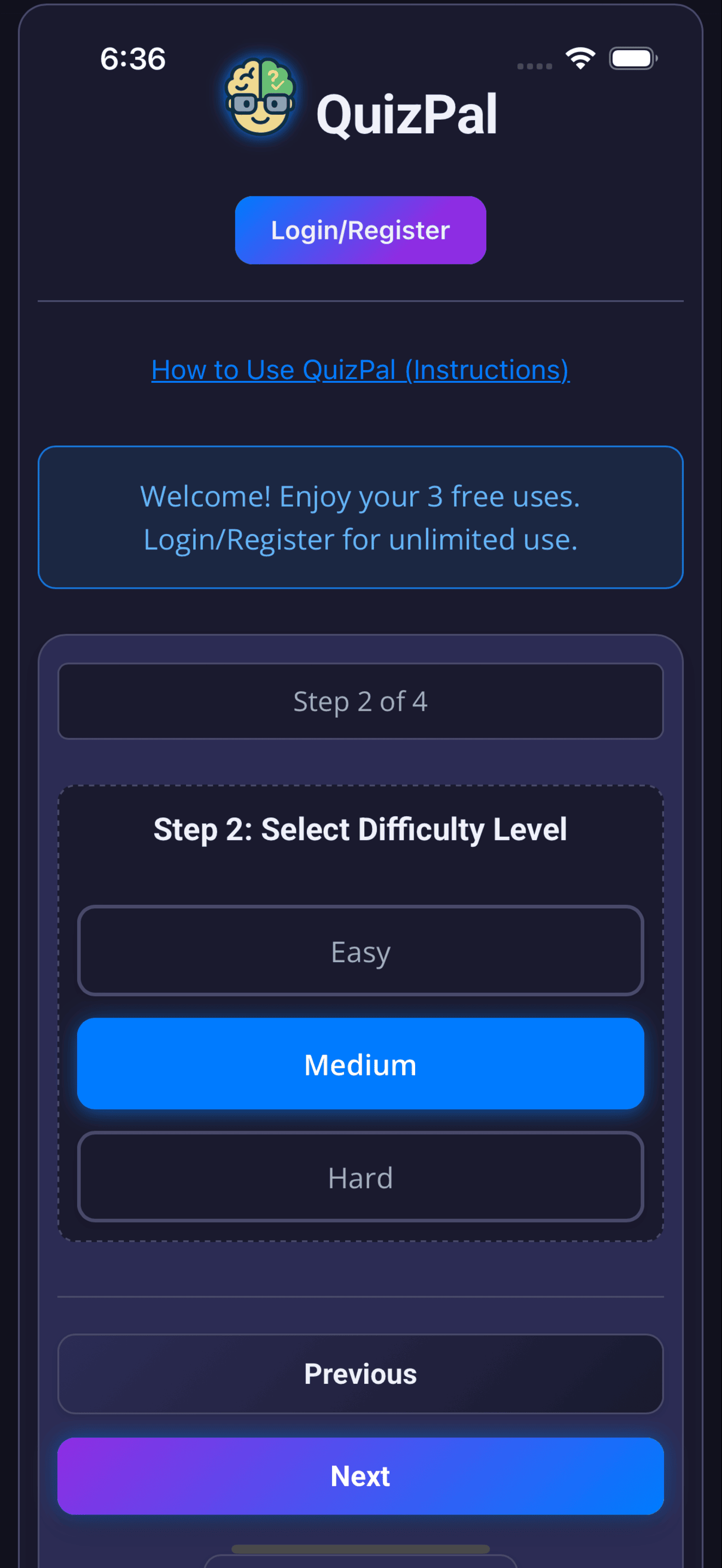
Easy, medium or hard — you control how challenging your quiz is and how many questions to generate.
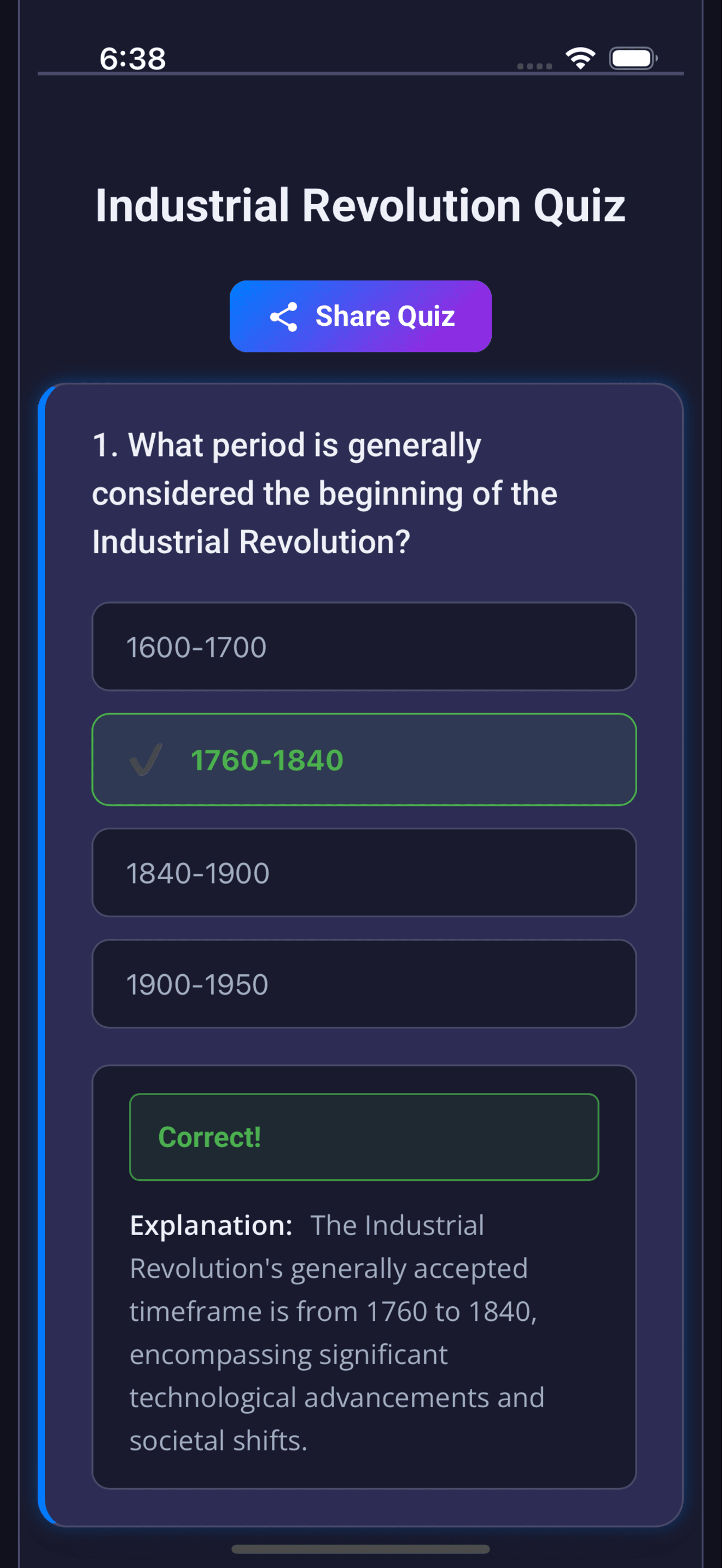
Get scored immediately after completing a quiz. See exactly what you got right and why.
Print quizzes for offline study or share them with your class with one tap.
Revisit past quizzes from your history and watch your scores improve over time.
Send quiz links to classmates or post on social media — sharing is effortless.
QuizPal lives in your pocket. Squeeze in a quick study session on your commute, between classes, or wherever life takes you.
Every retake is tracked. See how your score improves over time and know exactly when you've mastered the material.
How it works
Point your camera at any study material — notes, textbook pages, slides, handouts.
QuizPal reads your content and builds a custom multiple-choice quiz in seconds.
Take the quiz, get instant feedback, save your score, and retake anytime.
Download QuizPal free today